Revit offers a Lighting Analysis Tool through a special plug-in.
Before You Start — Verify that the Plug-In is Installed
- Check the Analyze tab in the ribbon of your Revit application.
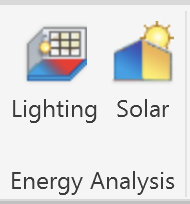
- If the Lighting Analysis plug-in is installed, this button will appear:
- If the Lighting button does not appear, use this link to download and install the Lighting Analysis plug-in on your computer.

Workflow
‣
Copy/Monitor Room Bounding Floors from the Linked Architectural Model
Example 1: Using Daylight Only
‣
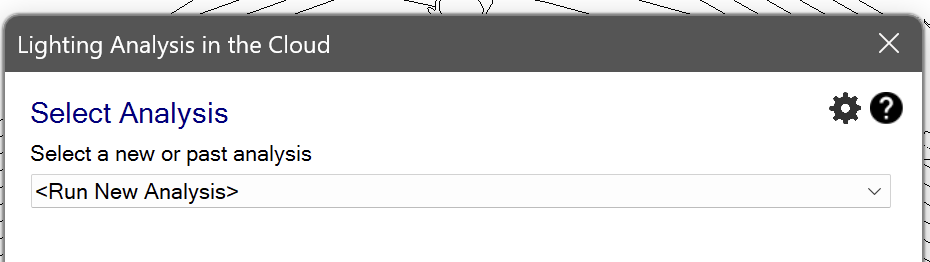
Run a New Illuminance Analysis with the Default Settings (Daylight Only)
‣
View the Illuminance Analysis Results for Daylight Only
Example 2: Using Artificial Lights
‣
Run Another Illuminance Analysis Incorporating Artificial Lights from Rendering Settings
‣