Workflow
The Supply Diffuser - 24 x 24 Face 12x12 Connection component is set to an airflow of 500 CFM by default. You can use this as a guide for determining how many supply air terminals will be required in each space.
- Open the Space Schedule.
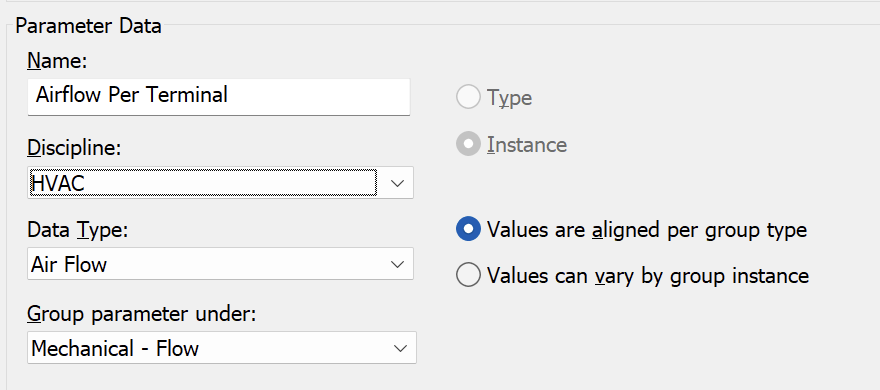
- Create a new parameter named “Airflow Per Terminal” and add it to the schedule fields.
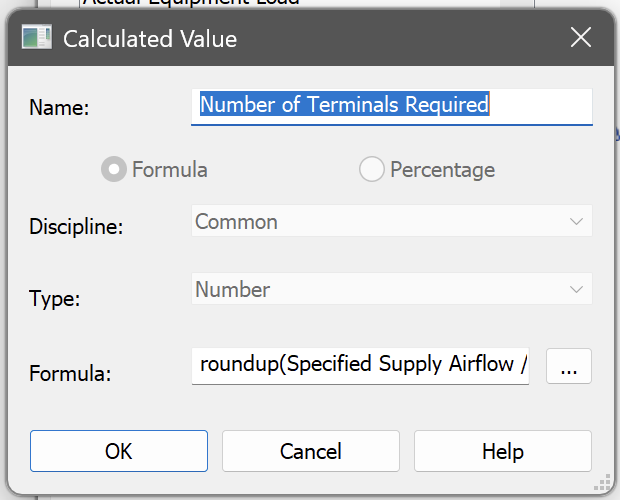
- Create a new Calculated Value named “Number of Terminals Required”
- Formula: roundup(Specified Supply Airflow / Airflow Per Terminal)
- Add the Actual Supply Airflow field to the table to report the airflow provided by the supply terminals placed in each space.
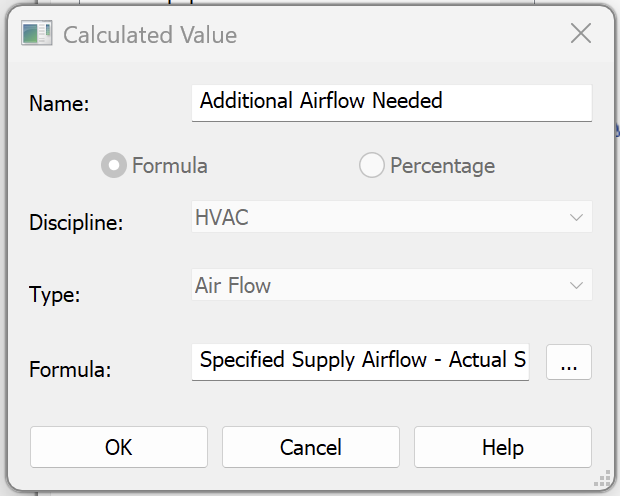
- Create another new Calculate Value named “Additional Airflow Needed”
- Formula: Specified Supply Airflow - Actual Supply Airflow
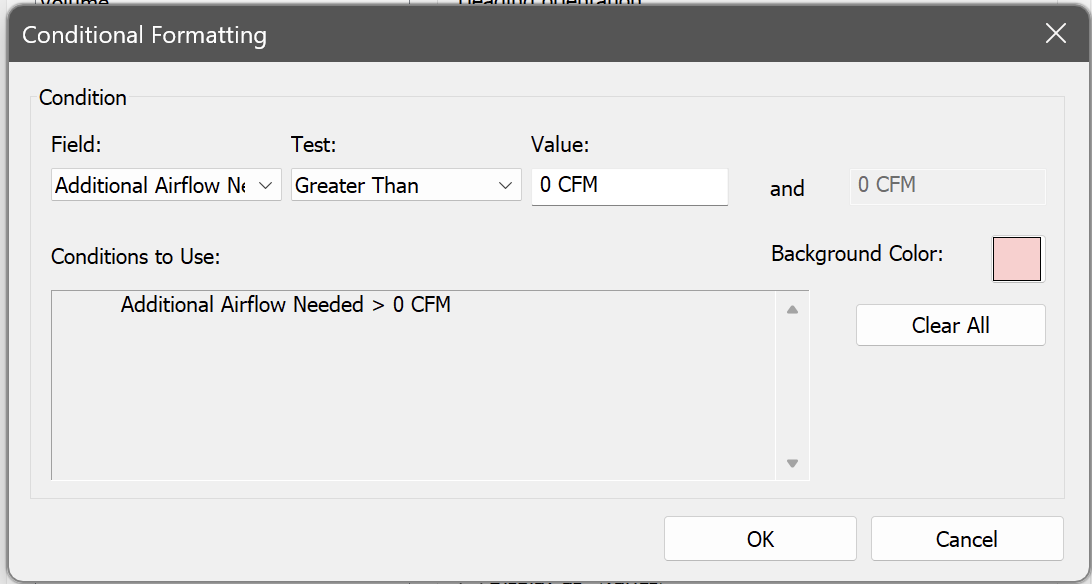
- You can apply conditional formatting to highlight the cells that show additional airflow is needed in a space.