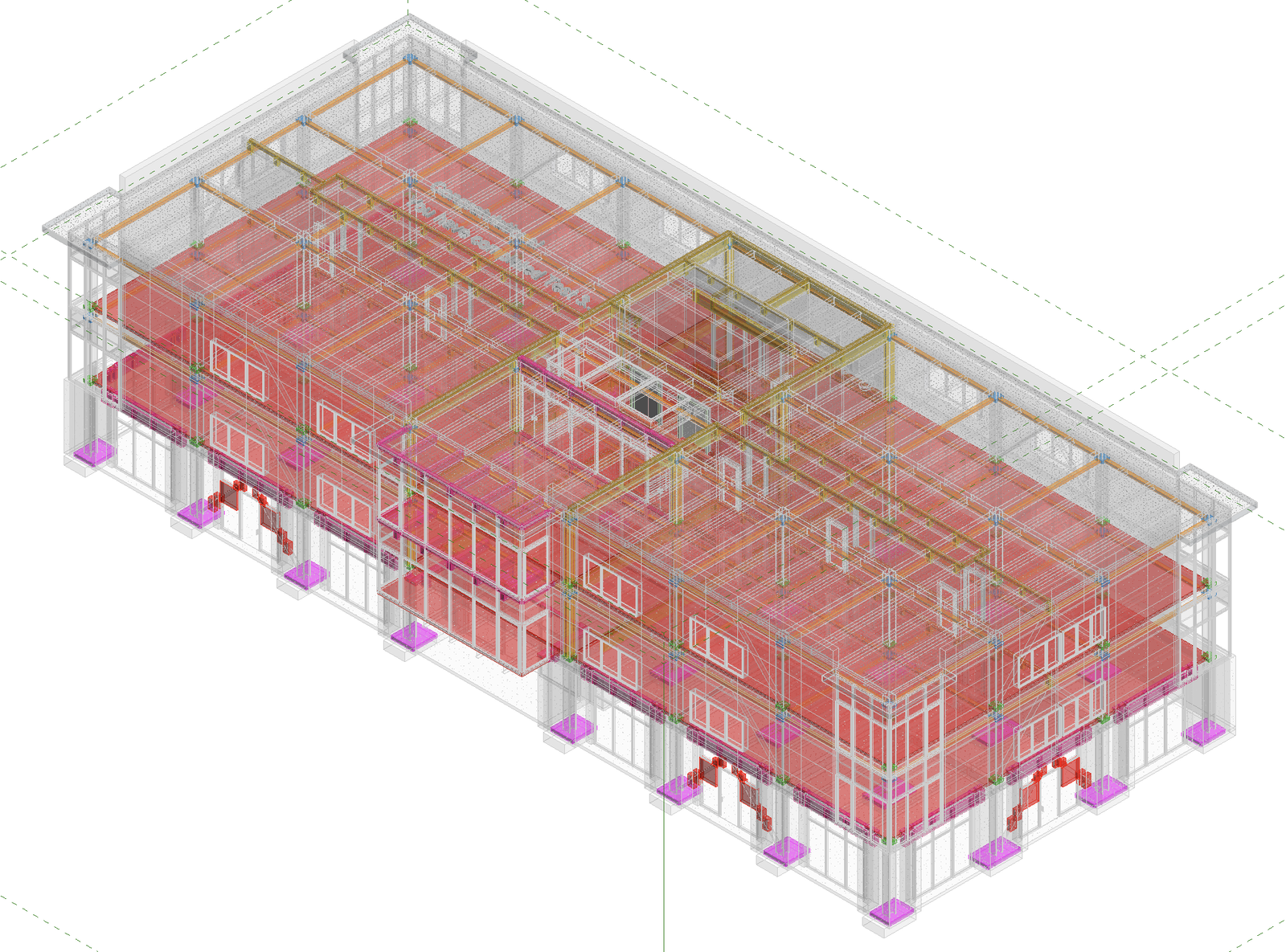
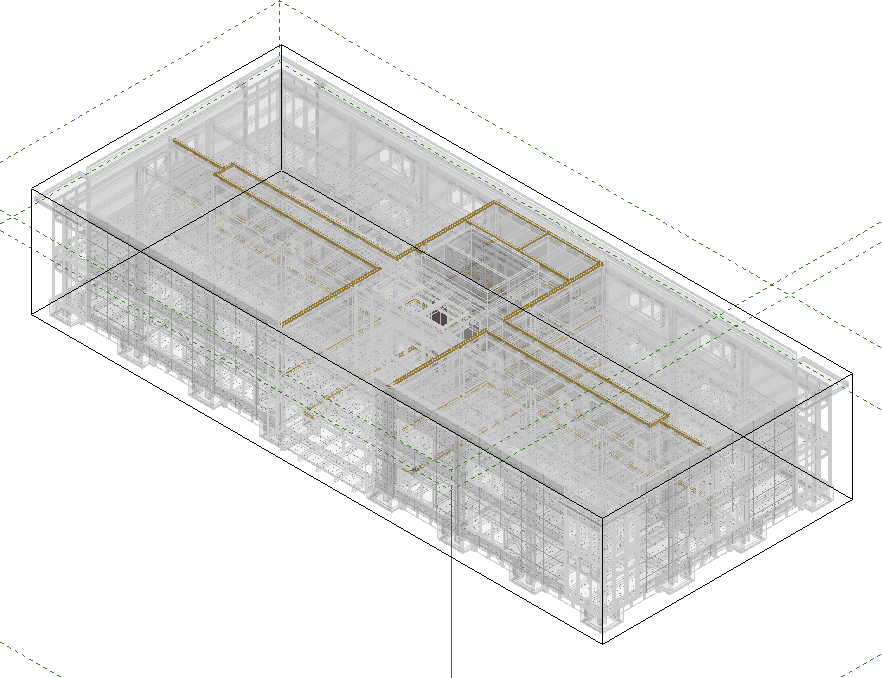
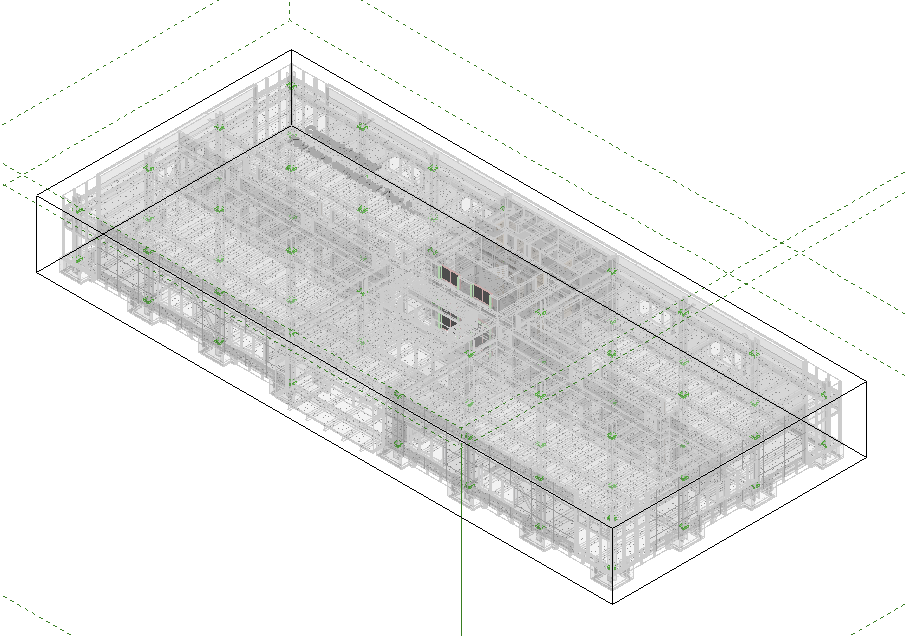
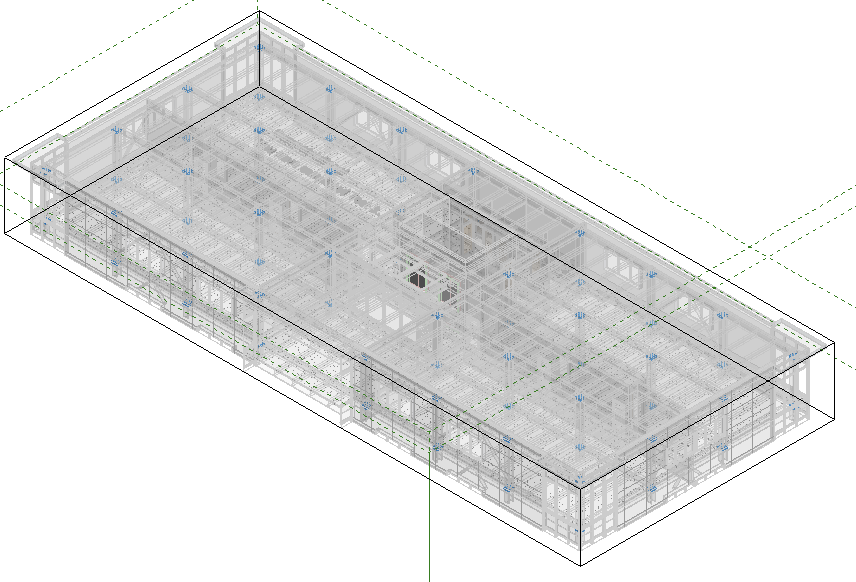
You can use Claude to identify clashes and highlight issues in standalone or linked Revit model files.

Important: The linked Revit models must share the same coordinate system to allow the clashes and interferences to be found.
Example - Identifying Clashes in Linked Revit Models

Identify potential clashes between the structural elements and other elements in the linked Revit models
Claude Response
The host is empty and both links are loaded. Next I'll take an inventory of each linked model so the clash sets are chosen from real content.
Revit 2026 uses .Value for element IDs. Re-running with that fix.
Output saved locally — I'll parse it in the workspace.
1,080 raw intersections. Many of these will be routine conditions (beams bearing into walls, slab edges overlapping wall tops), so I'll triage them.
I left the ID placeholders in. I'll build the script with the real IDs filled in.
Elevations explain most of the groups: the ceilings sit above the beam soffits, and the architectural foundation slab overlaps the tops of the footings. I'll build the triaged clash register next.
I'll re-run the clash check with full type names and elevations written into every row, so the register is complete in one file.
Every clash is assigned to a group. Now I'll publish the register as a sortable sheet.
I'll package the summary and the full 1,080-row register as one workbook.
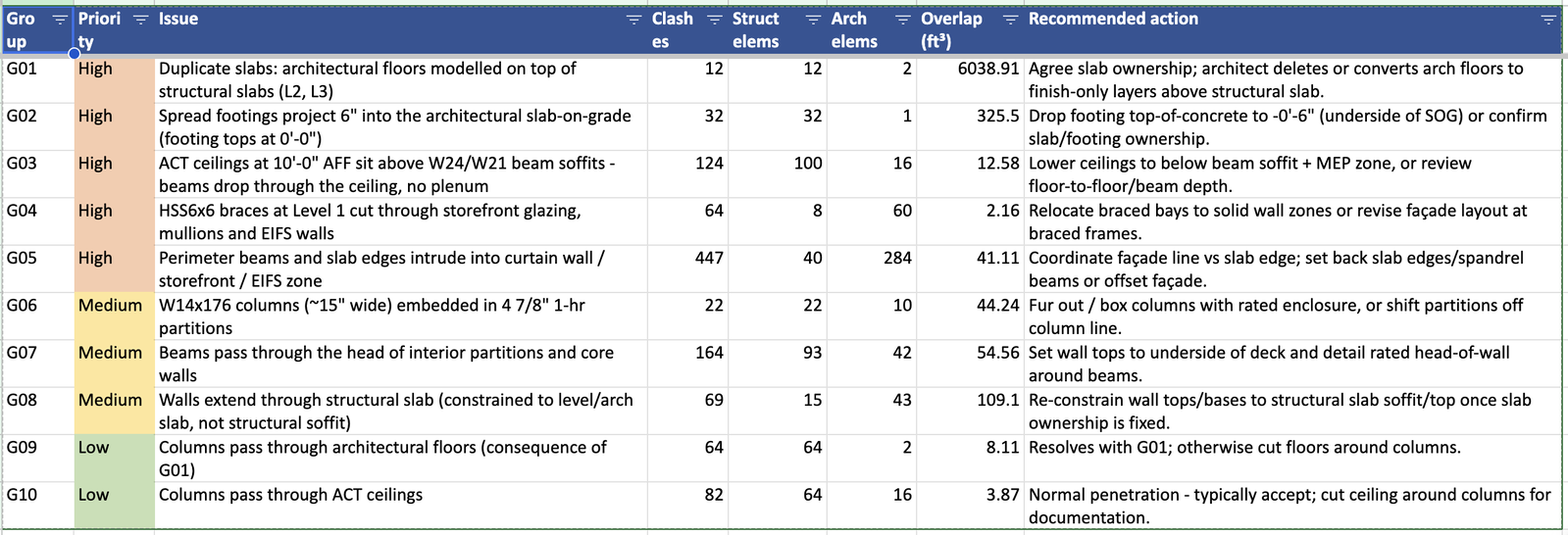
I ran a hard-clash check in your open Revit session between the MixedUse-Structural and MixedUse-Architectural links. It found 1,080 intersections, which come down to 10 underlying issues. The check only read the models; nothing in them was changed.
High priority
- G01, duplicate slabs (12 clashes): the architectural model has its own 4" floors at Levels 2 and 3, sitting on top of the structural 5" slabs. That's about 6,000 ft³ of double-modelled concrete. Someone needs to decide which model owns the slabs.
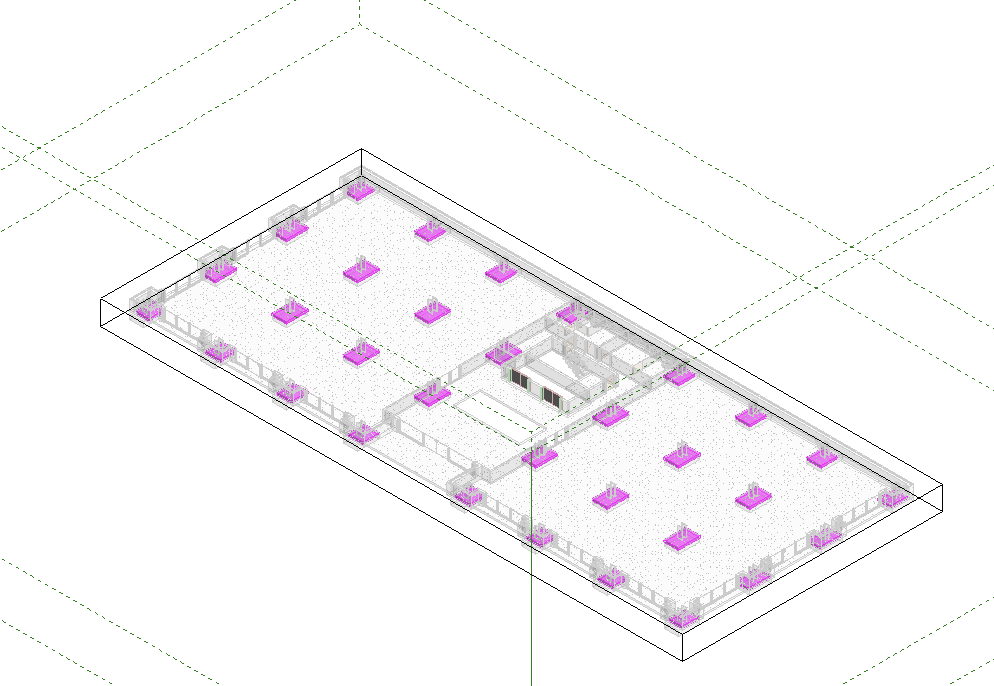
- G02, footings (32 clashes): all 32 footings have their tops at 0'-0", so they push 6" up into the architectural 6" slab-on-grade.
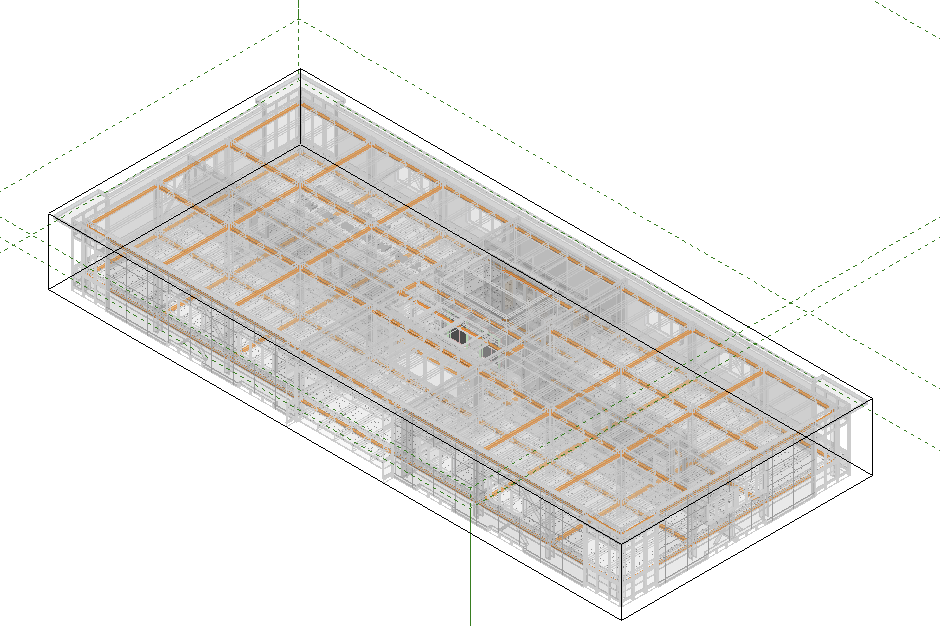
- G03, ceilings below beams (124 clashes): the 2'×2' ACT ceilings are set at 10'-0" above the floor. The W24 beams hang about 5" below that and the W21 beams about 2" below, so there's no ceiling void at Levels 2 and 3.
- G04, braces through glazing (64 clashes): the HSS6×6 braces at Level 1 pass through the storefront glass, mullions and EIFS walls.
- G05, façade line (447 clashes): perimeter beams and slab edges run into the curtain wall, storefront and EIFS zone. This includes the W21 spandrel beams passing through the upper Level 1 vision glass.
Medium priority
- G06, columns in partitions (22 clashes): the W14×176 columns, about 15" wide, are placed inside 4⅞" 1-hour partitions. They need a rated column enclosure, or the partitions need to move off the column line.
- G07, beams through wall heads (164 clashes): beams pass through the tops of partitions and core walls. These walls need rated head-of-wall details.
- G08, walls through the slab (69 clashes): walls are tied to the levels or to the architectural slab, so they run through the structural slab. Their tops should be re-tied to the structural slab once G01 is settled.
Low priority
- G09 (64 clashes): columns pass through the architectural floors. These go away when G01 is fixed.
- G10 (82 clashes): columns pass through ceilings. This is a normal penetration that is usually accepted.
The coordination meeting needs to settle G01 and G02 first, since resolving them clears or shrinks several of the other groups. Also, 60 element pairs couldn't be tested because Revit's geometry engine failed on them; those usually just touch faces, but a quick spot-check would confirm.
I can highlight the clashing elements in a 3D view next, so each issue group is easy to find in the model.
Files are in clash:
- Structural_vs_Architectural_Clash_Report.xlsx
Claude Clash Report Spreadsheet Summary

Example — Highlighting Clashes in the Model
Please highlight the clashing elements in a 3D view
Claude Response
I'll do this in one pass: rerun the clash calculation inside Revit, place a colour-coded marker box at every clash, and create a 3D review view with the links made see-through so the markers stand out.
The job finished: all 1,080 markers and 11 views exist, and Revit has the main view open. I'll grab an image of the view to check how it looks.
The markers are in place, but the architectural link's exterior shell is still solid and hides the interior clashes. I'll make the link categories see-through in each review view instead.
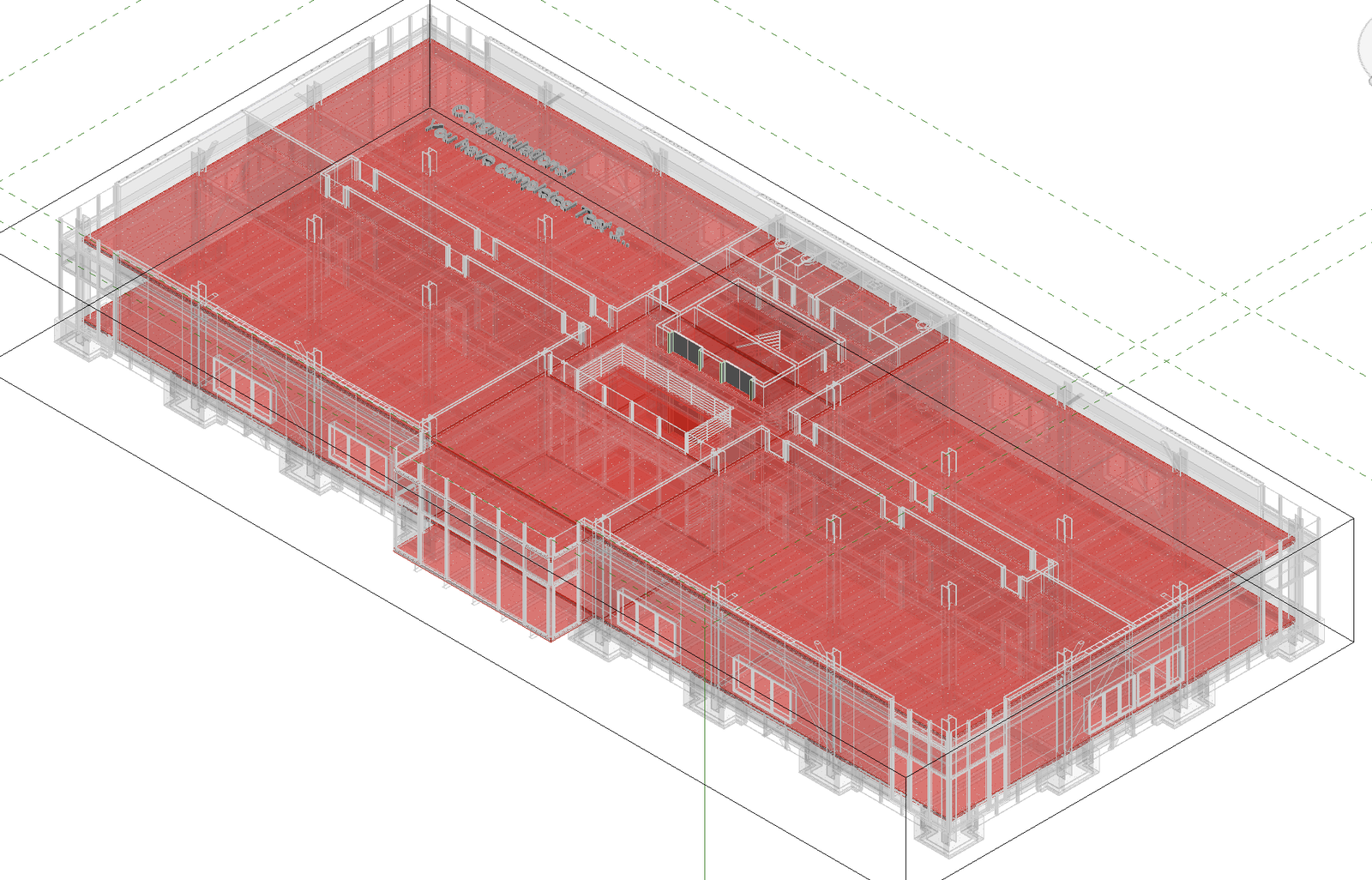
That works: the clashes show through the building now. The big red plates are the duplicate slabs (G01), which crowd the overall view, so I'll check one of the per-issue views.
All 1,080 clashes are now highlighted in 3D in "261116 Linking Test". There's one overview view (already open in Revit) and one view per issue, each cropped to that issue's area. I exported images of the overview and the ceiling view to check them; the other nine I only confirmed exist.
Views (in the Project Browser under 3D Views):
- CLASH REVIEW - Struct vs Arch (All): every clash, in its issue's colour. The duplicate slabs (G01, dark red) are large and cover much of this view, so the per-issue views are easier to read.
- CLASH REVIEW - G01 … G10: one view per issue, showing only that issue's markers. In the G03 view, for example, orange bands run along every beam line where the beams drop through the ceilings.
Colours:
Group | Issue | Colour |
G01 | Duplicate slabs | dark red |
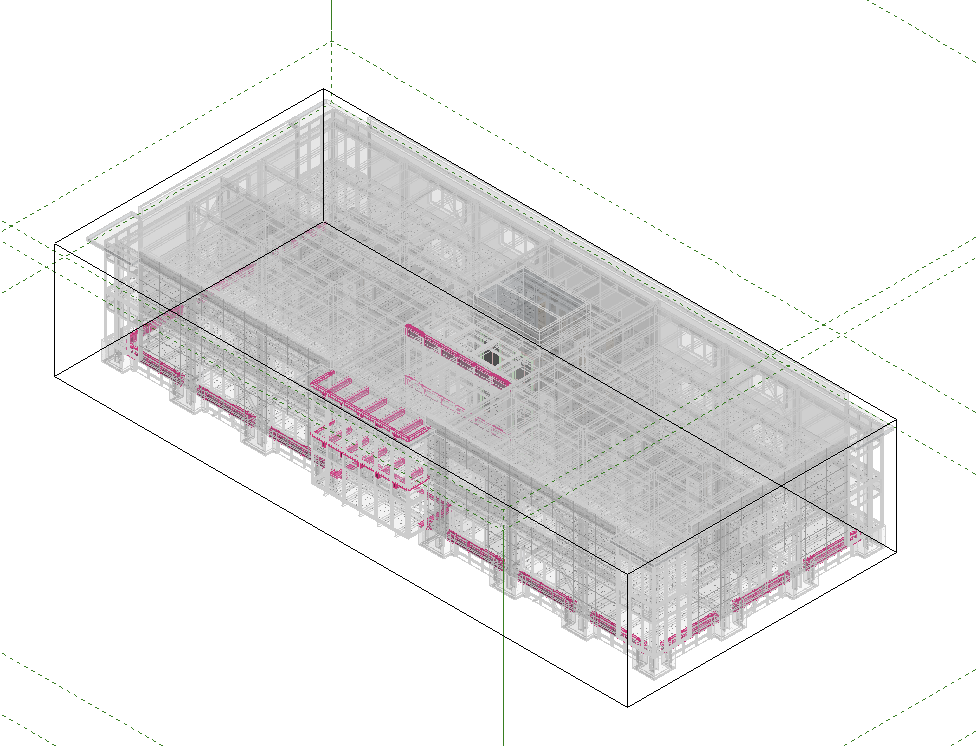
G02 | Footings into slab-on-grade | magenta |
G03 | Ceilings vs beams | orange |
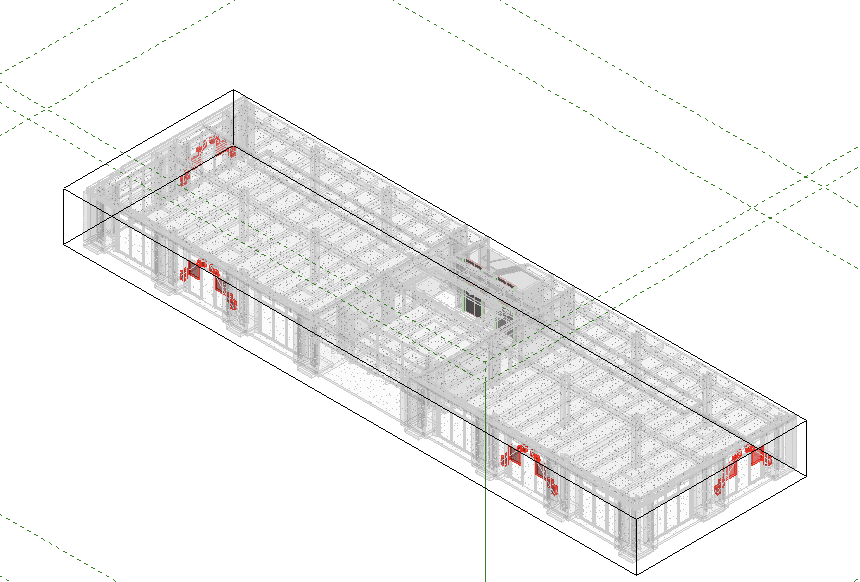
G04 | Braces through glazing | red |
G05 | Façade vs perimeter steel/slab | pink |
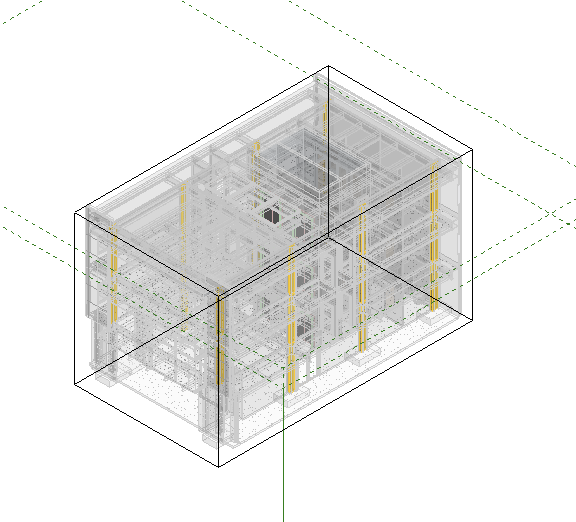
G06 | Columns in partitions | yellow |
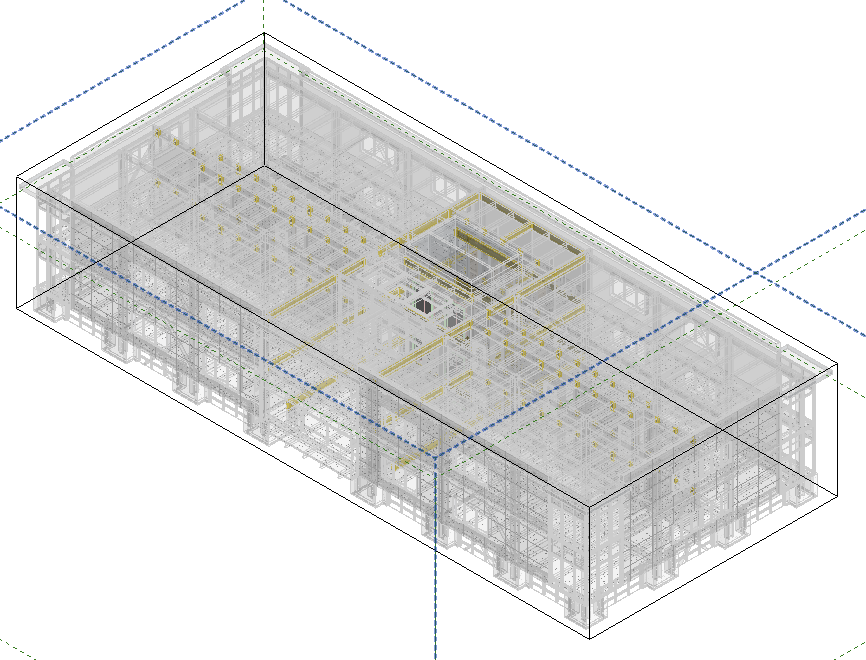
G07 | Beams through wall heads | gold |
G08 | Walls through slab | brown |
G09 | Columns through arch floors | green |
G10 | Columns through ceilings | blue |
How it was done:
- Markers: Revit can't colour elements inside a linked model, so I placed a marker box at each clash in the host model. Each box is at least 6" on a side so small clashes are still visible, and is a Generic Model.
- Marker details: each marker's Mark holds its group number. Its Comments hold the structural and architectural element IDs and the overlap volume, so you can select one and see exactly which pair it flags.
- Links: in these 11 views only, the linked models are greyed out and 85% transparent, and levels and grids are hidden.
The markers and views are new content in "261116 Linking Test" and haven't been saved yet. Both linked models are unchanged. To clear everything later, delete the Generic Models named "CLASH G…" and the "CLASH REVIEW" views. Because the markers are fixed boxes, re-run the check after the models change rather than trusting the old markers.
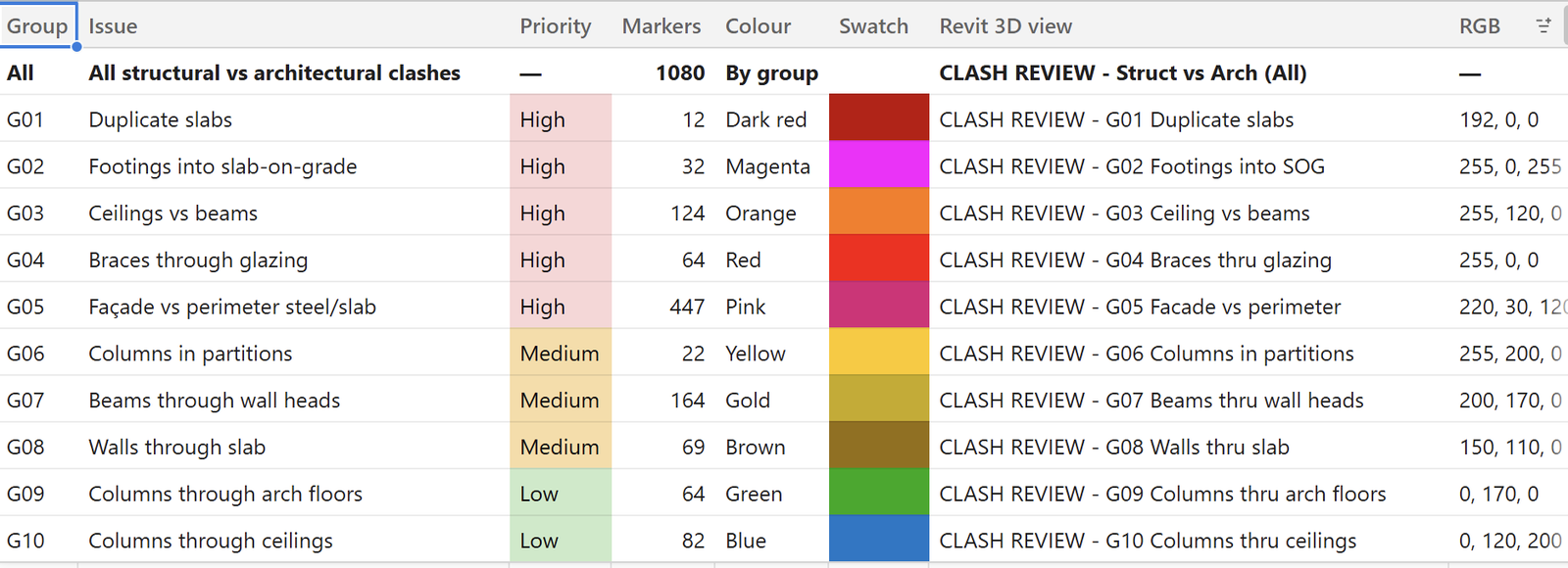
Claude Color-Coded Clash Views