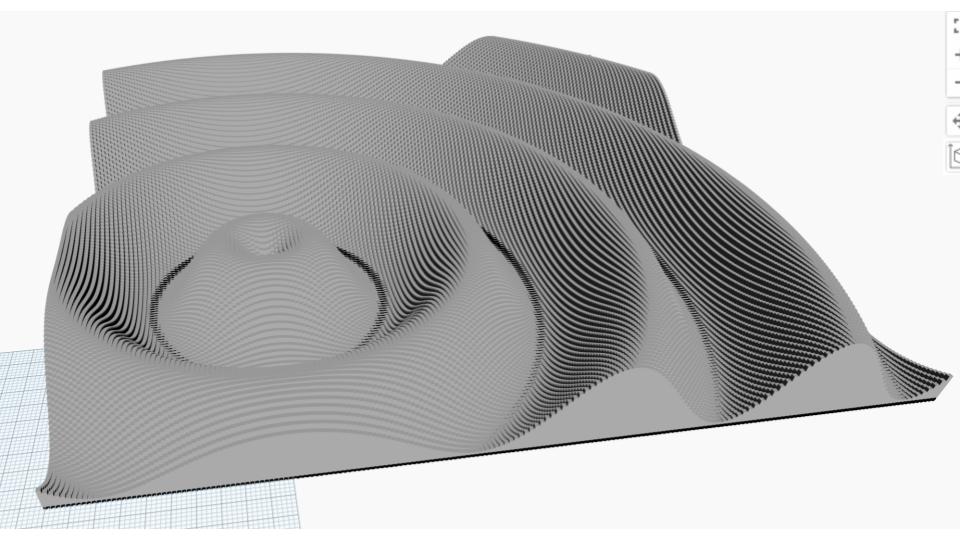

Walk in the Park: The first figure I created was for Walk in the Park. It is a 200x200 grid with an attractor point at (50,60). I used an amplitude of 10 and 5 oscillations. I made sure that all heights were greater than zero to logically represent the physical world.

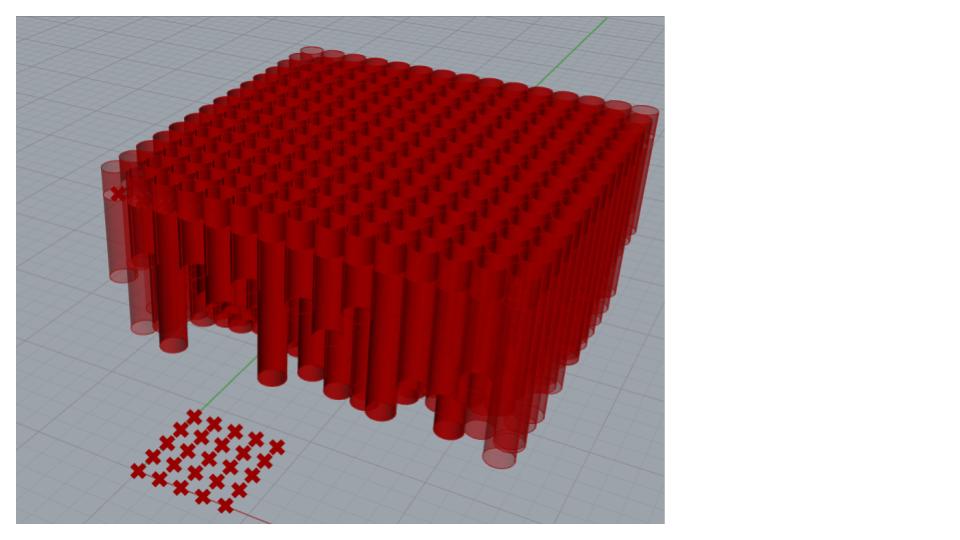
Eliminate the Echo: The second model I created was for eliminate the echo. I found the logic and user experience to be very similar to Dynamo. One difference in Grasshopper is the ability to label the variables directly in the function. In this exercise, I saw the benefit of parametric modeling by using sliders. I could easily change the number of cylinders and their dimensions with the sliders.

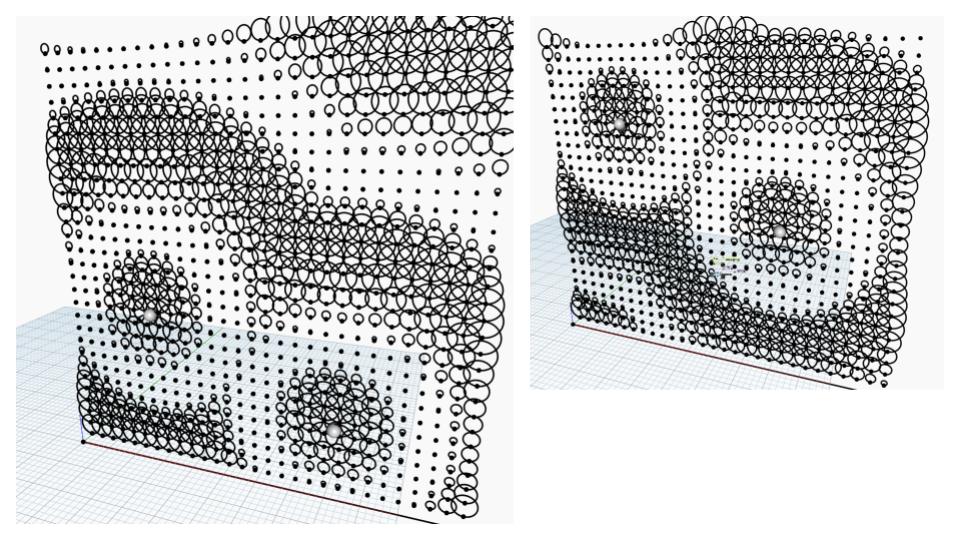
Happy Face: The third model I made was happy face. In this exercise, I added some of the missing nodes to the starter file and played with the sliders to see how changing the different parameters affected the circles’ attraction to the attractors. It was interesting to see the interaction between 2 attractors, since we had only been using 1 in the past 2 exercises.
- A screenshot of your finished model geometry
- Walk in the Park - an image of the Dynamo geometry
- Eliminate the Echo - an image of the Rhino geometry
- Happy Facade - an image of the Revit wall
- A few sentences describing your modeling approach
- The link to your Module 2 folder in our Autodesk Construction Cloud project.