Overview
In this test, you'll create a new project site using Forma Site Design.

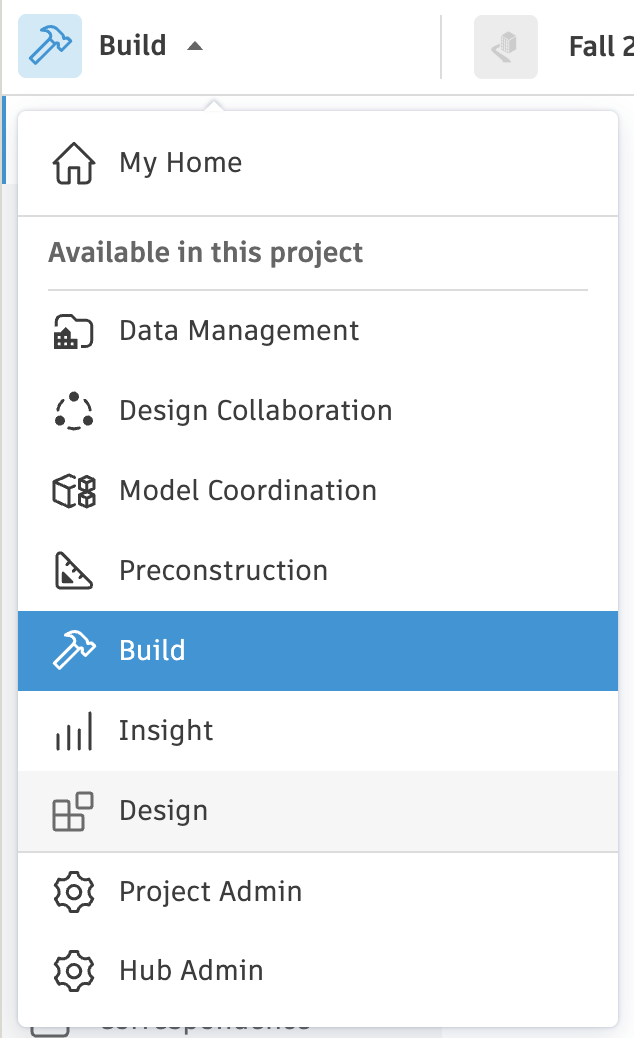
- Open a Forma Site Design project.
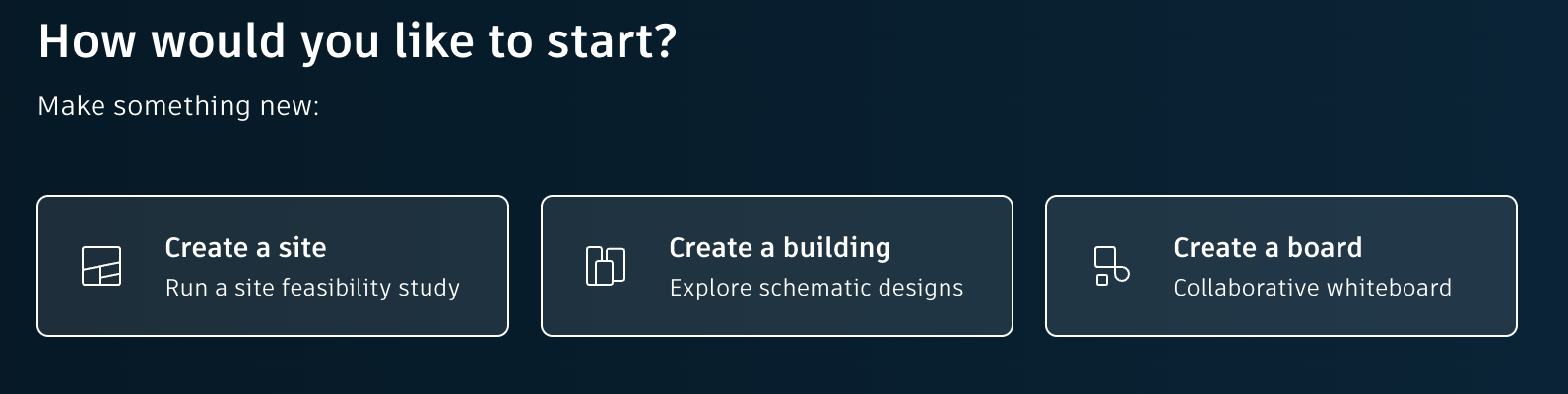
- Create a new Site.
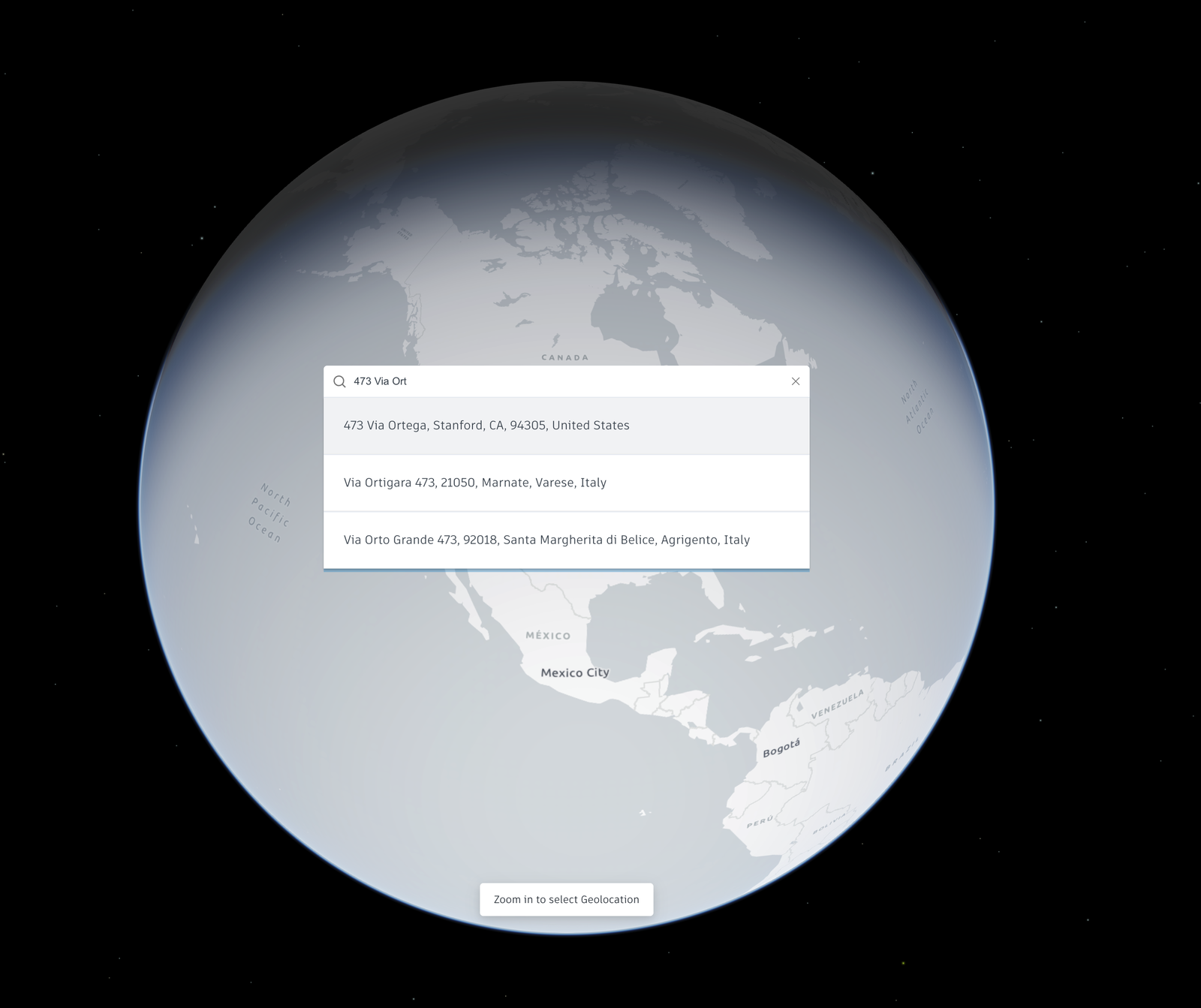
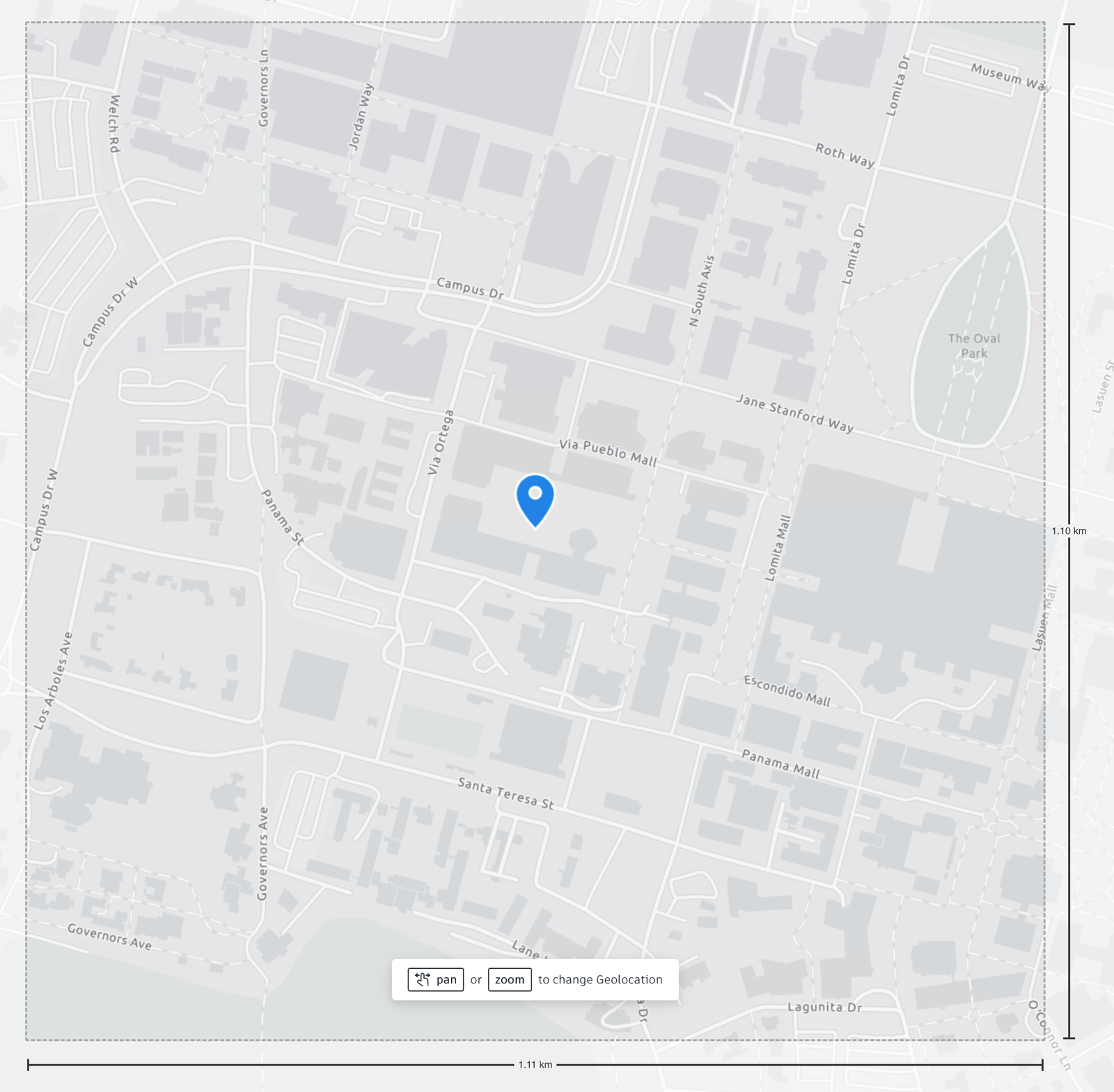
- Specify the Geolocation.
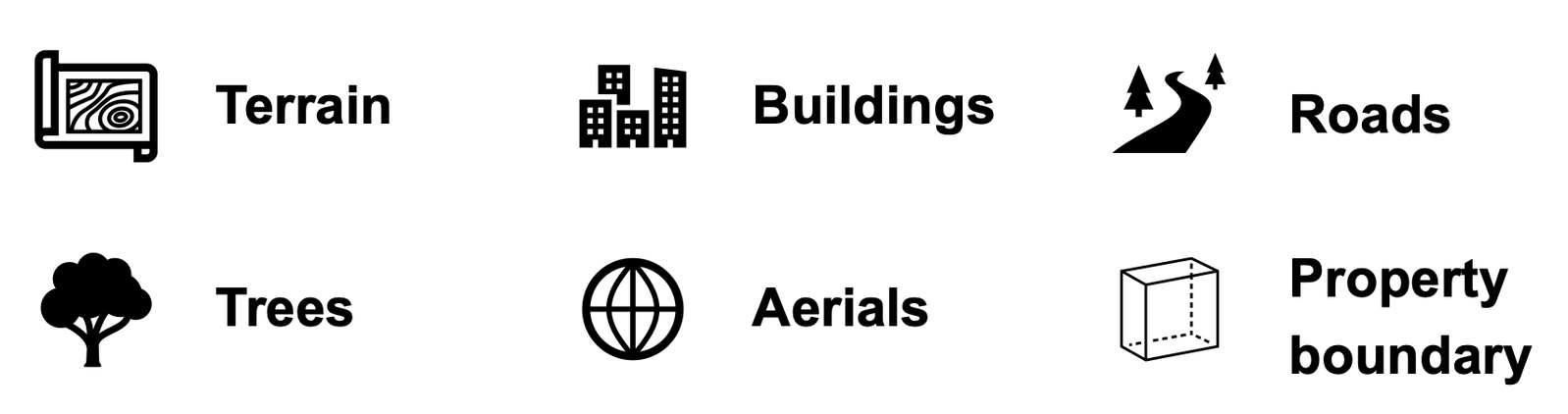
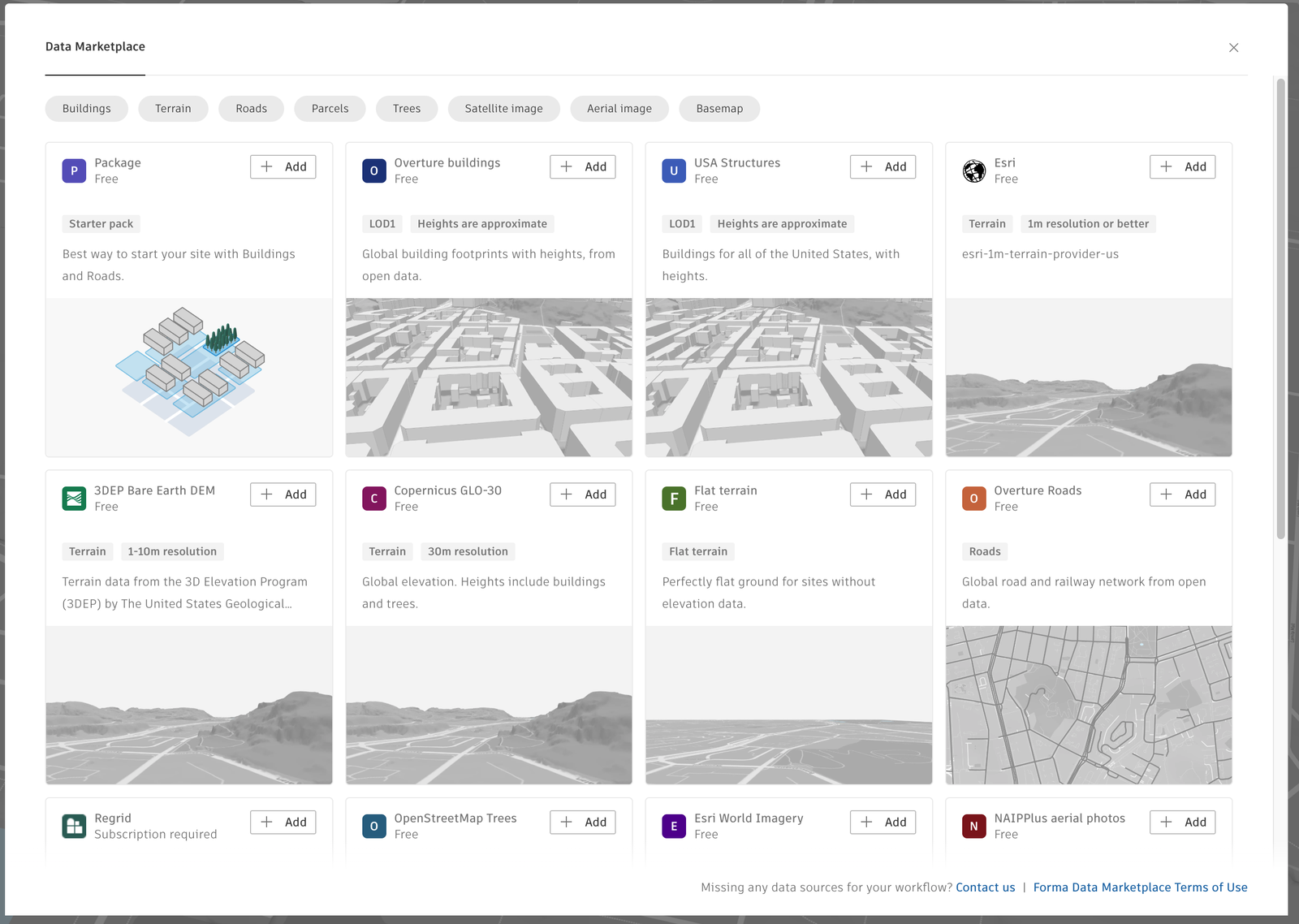
- Add Contextual Data:
- Prepare the Project Site
- Remove Buildings and Roads to be Demolished.
- Create a Terrain Pad.
Steps to Follow
‣
Opening a Forma Site Design Project

‣
Creating a New Site
‣
Specifying a Geolocation

‣
Adding Contextual Data
‣
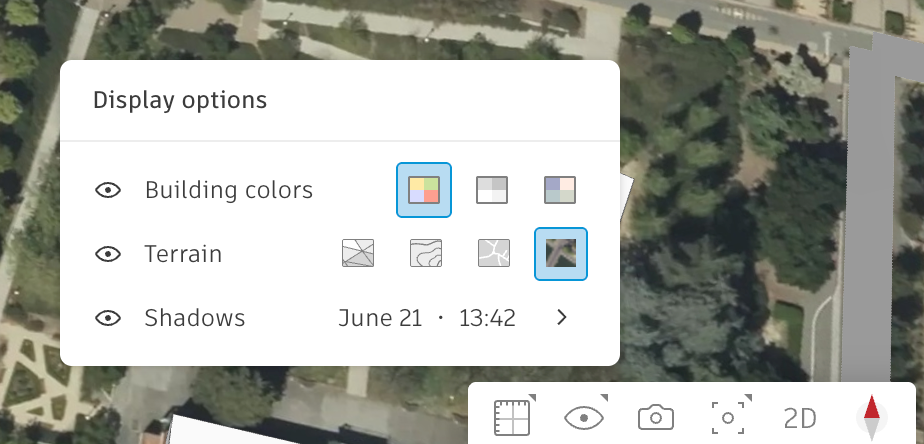
Enhance Your View of the Site
‣